 AI with Breakfast
Building My Own Dictation App at 39,000 ft
 Lee
LeeBuilt in this post
My Own Dictation App
macOS

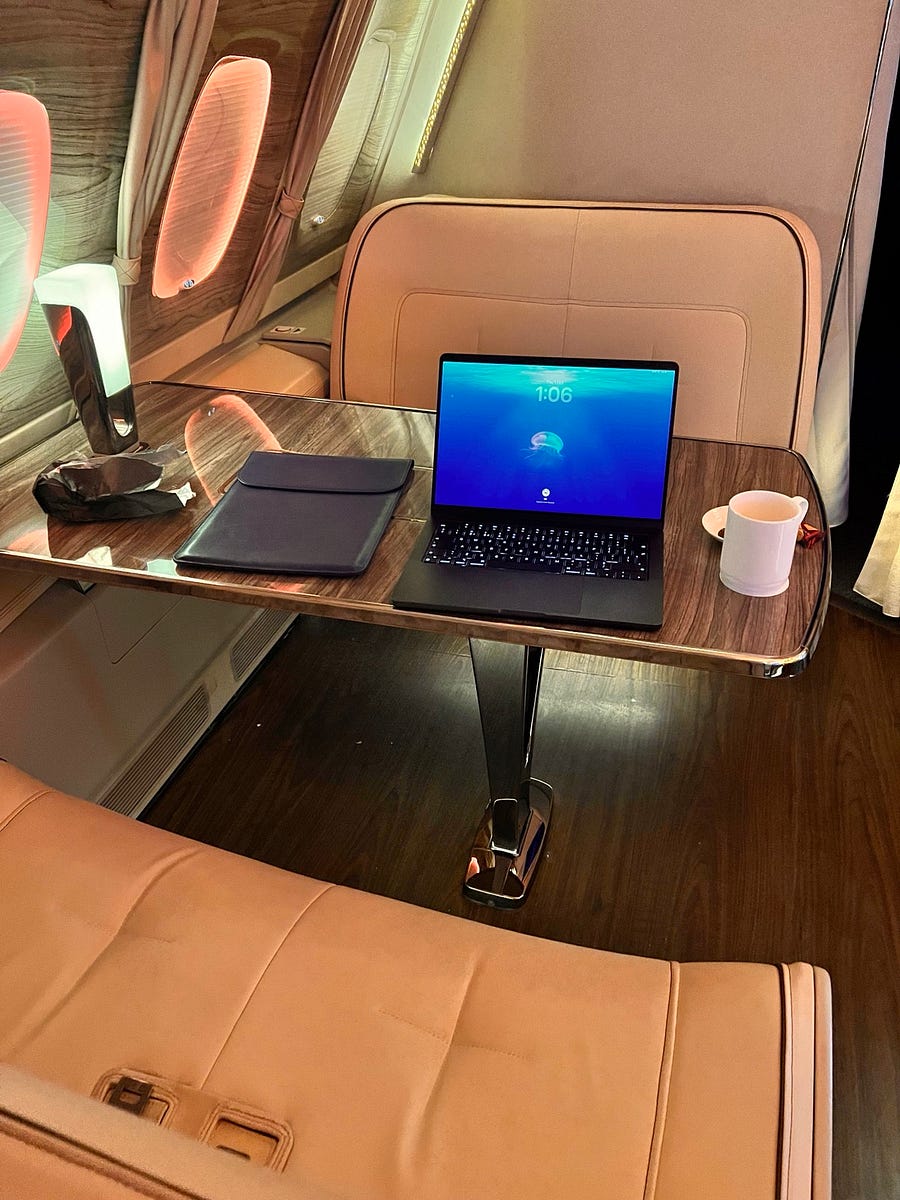
Today I am writing this from the highest breakfast spot on earth.

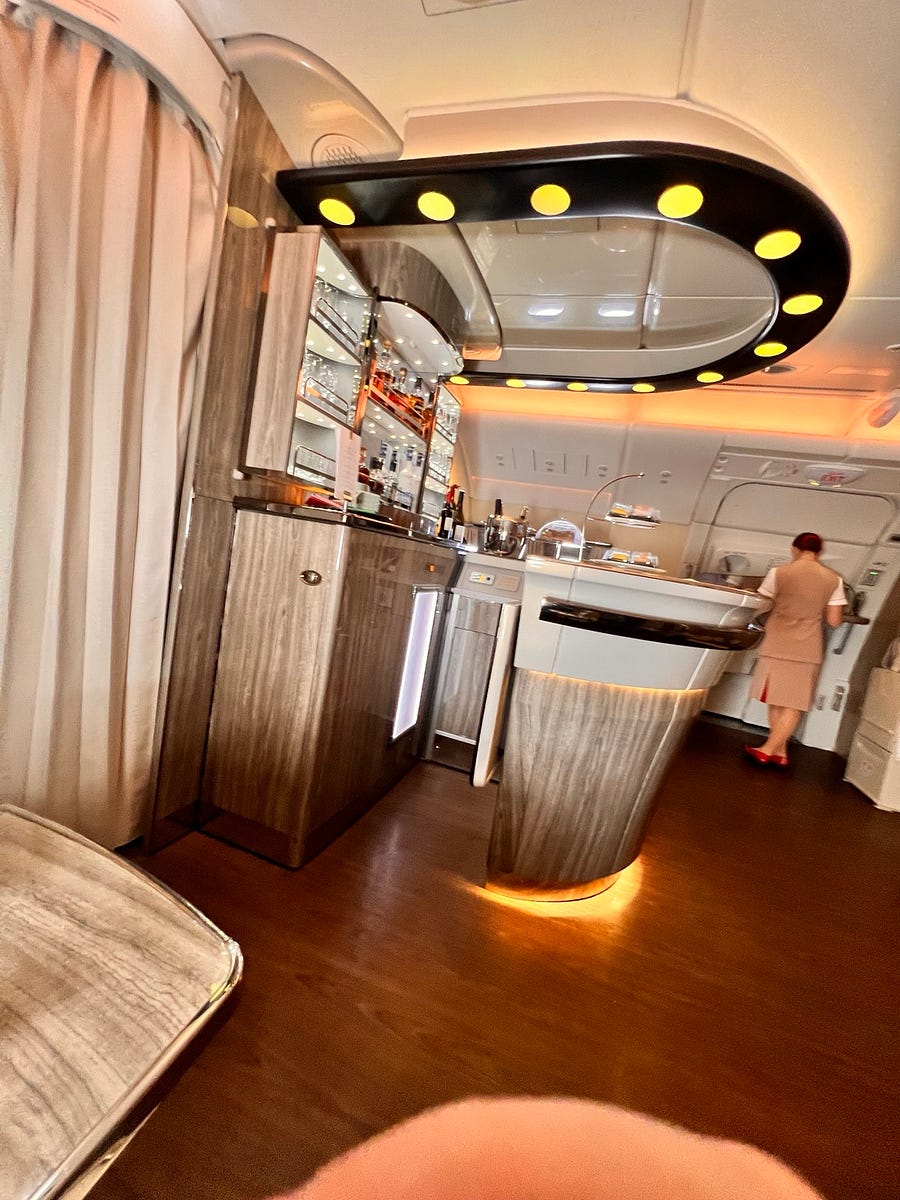
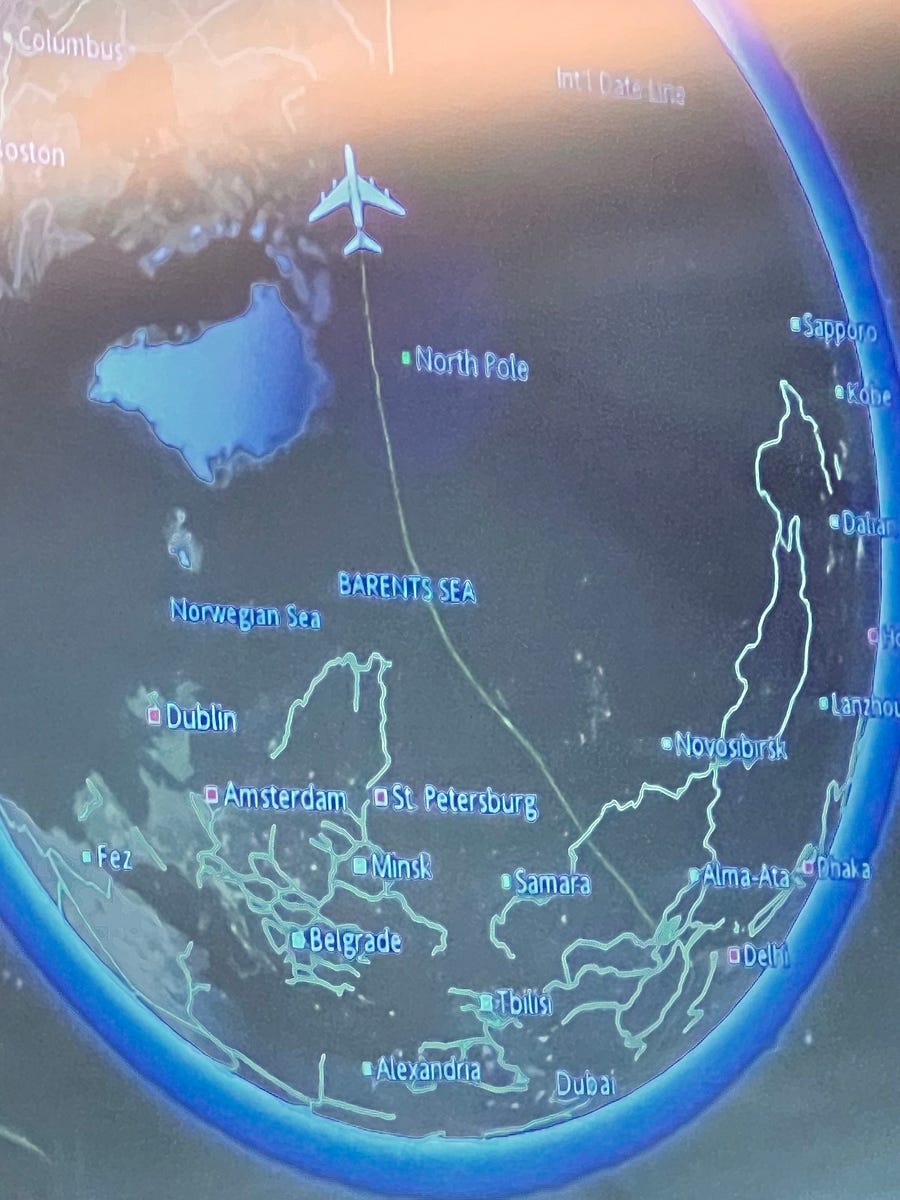
I am flying from Dubai to San Francisco on an Emirates A380, which comes with its own lounge and bar area (unbelievable). The flight is also blessed with Starlink, giving me a continuous internet speed of around 190 Mbps even as we fly over the North Pole.

I am about 12 hours into a 17-hour flight, and I feel like I have been on the plane for two hours.
It really will change long-distance air travel.
Today’s app was built in the air, 41,000 feet above the earth.

I use dictation a lot.
For a long time, my go-to was MacWhisper, a great Mac app built around OpenAI’s Whisper model, all running locally on the machine. It was good at what it did: press a button, speak and get a transcription.
But the model would not always pick up my word choices. I wanted it to understand my words and names. I wanted to be able to correct myself while speaking. I tried a few different approaches and eventually started using Google Eloquent, which added more intelligence after the initial transcription. It also showed the words as I spoke, which was a nice touch.

The problem was latency.
I might finish talking, get the transcription and then wait another three or four seconds while the text was processed.
Three seconds does not sound like much.
When dictation becomes one of the main ways you interact with your computer, it feels sooo slow. You finish your sentence and then you wait. You cannot move on to another task because that might change the field where the transcription is about to appear.
Do that dozens or hundreds of times a day and the delay becomes difficult to ignore. Eventually, I switched the extra processing off.
So I thought, I’ll build my own.

A Mac dictation app with custom words, fast processing and enough intelligence to understand when I correct myself halfway through a sentence.
The brief
I wanted to press a key from any application and start speaking.
While I am speaking, the words should appear in a small window next to my cursor. When I release the key, the finished text should be inserted wherever my cursor is.
I also wanted much better handling of custom words.
Names, company names, technical terms and project-specific vocabulary are exactly the kind of things speech recognition systems regularly get wrong. They are also often the words where getting the spelling right matters most.
I wanted to fix something once and have the system remember it.
The difficult part was doing all of that without bringing back the three-second wait.
The basic flow looks like this:
speech → transcription → language model → finished text
But do you even need a language model as that was what was slowing down the Google product?
Removing filler words, fixing spacing, handling punctuation and applying simple formatting rules are deterministic problems. In other words, the same input should follow the same rule and produce the same result every time. They are extremely fast to solve in normal code.
So that is what the app does first. It handles the straightforward clean-up in around 100 milliseconds and reserves the language model for situations where it can add something useful.
Longer passages, certain text structures, or sentences where I have corrected myself halfway through.
For example:
“Let’s meet on Tuesday, no wait, make that Wednesday.”
That is where understanding the meaning of the sentence is useful. The app needs to recognise that Tuesday should disappear rather than carefully punctuating the whole thing.
There are two ways to start dictating:
Press and hold: I hold the right Command key, speak, then release it to insert the text.
Double tap: I double tap the same key to keep dictation active without having to hold it down.
While I speak, a small live transcription window appears next to the cursor. I liked that part of Eloquent, so I kept the idea.
For speech recognition, I asked Claude which model we should try locally. We settled on NVIDIA’s Parakeet TDT v3, running on Apple silicon through MLX. MLX is a framework for running machine learning models efficiently on Apple hardware.
For the language model, the app uses Gemma.
Both models download when the app first loads, then run locally on the Mac so nothing leaves the machine.
Teaching it my words
The custom dictionary is the part I really wanted.

When a transcription contains a word that appears to be misspelt or out of place, the app can add it to a review list. I can correct it there, and the updated dictionary is used when processing future dictation.
The aim is simple: every correction should reduce the chance of making the same mistake again.
If I regularly dictate someone’s name and the speech model gets it wrong, I do not want to manually correct that name forever.
So what was 4 seconds wait in the Google tool I got down to 700 ms which is pretty good and as new models get announced we can update to get that better and better.
I also needed a mini setup window to request the correct permissions, microphone access and accessibility so I could add the global hot key.

So there you go I now have a dictation app of my own that can work my way.
Have a great day.
Built in this post
My Own Dictation App
macOS